
Ever wondered why your videos buffer or web pages take forever to load on your phone? It’s likely due to your mobile network speed. You can check your mobile network speed to see what’s really happening.
You can test your connection in many ways. Each method shows you how fast your phone downloads or uploads data. You get clear numbers that tell you if your network works well. This article helps you learn simple ways to check your mobile network speed. You get to try these tests yourself and see how fast your phone really is. You will learn the tools that suit you best and know when to switch providers or settings.
Let’s explore seven ways to check your mobile network speed and help you stay connected.
READ ALSO: How to Track a Phone Number in Nigeria
How to Check Your Mobile Network Speed
Several tools can help you measure your mobile network speed accurately. These tools test your download and upload speeds, giving you a clear picture of your connection’s performance. Chek them below:
1. Check Speed with Speedtest by Ookla
Speedtest by Ookla is one of the most trusted tools for checking your mobile network speed. It offers a straightforward interface that works well on both phones and tablets. When you open the app, you see a big button that starts the test quickly. You tap the button, and the test measures how fast you can download and upload data. This quick process shows you real numbers that help you understand your connection.
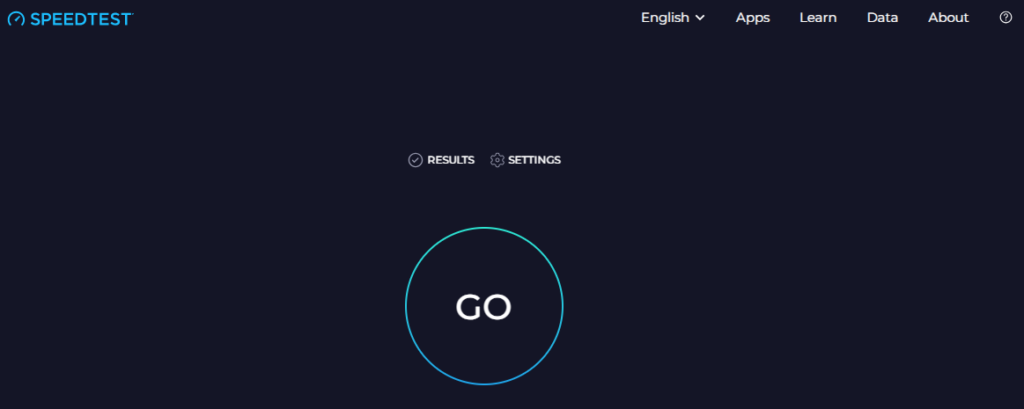
Using Speedtest by Ookla gives you instant feedback. It tests your network by connecting to nearby servers. The test gives you clear results in megabits per second (Mbps), so you know if your connection is strong or needs a boost. You can compare your numbers with average speeds in your area. These comparisons help you see if your plan matches your needs.
The app updates often and offers extra features like history tracking and sharing results with friends. You can check your speed at different times of the day to spot trends or issues. This friendly tool makes it easy for you to see when your network performs best.
2. Check Speed with Fast.com
Fast.com is a handy tool created by Netflix that shows your download speed. You open your mobile browser and visit Fast.com, and the test begins automatically. The test quickly displays your download speed without any extra buttons or settings. This ease of use makes it perfect when you want a fast check without any fuss.

Fast.com keeps things simple by focusing on one key metric: download speed. This speed matters a lot when you watch movies or stream music. You get a clear number that shows how many megabits per second your network offers. Since Netflix built the tool, you know it is optimized for streaming video. This makes it a favorite among users who want a quick look at their connection quality.
Fast.com also offers additional details if you want more information. You can tap on extra options to see latency and upload speeds. These details help you get a full picture of your network performance.
READ ALSO: How To Link Your NIN To Your Mobile Number: MTN, Glo, Airtel, 9mobile, etc.
3. Use AT&T Internet Speed Test
AT&T’s Internet Speed Test works on any network, not just AT&T’s service. You can access this tool through your mobile browser by visiting the AT&T support page. Once you click the “Start Speed Test” button, the tool measures your download and upload speeds. This test gives you a quick insight into your network’s performance without extra complications.
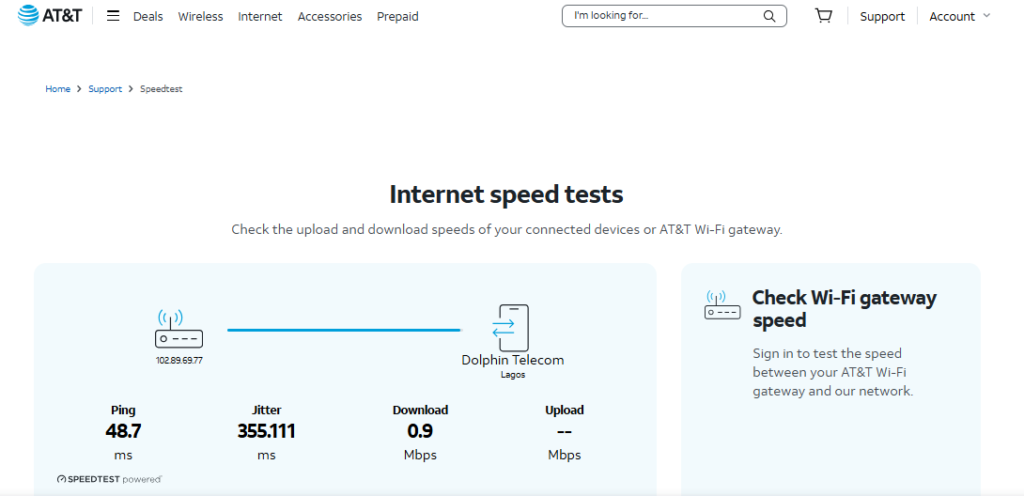
The AT&T Internet Speed Test shows you both download and upload numbers. These numbers are crucial when you video chat or send files. You get an idea of how well your network handles two-way communication. If you notice that upload speeds lag, you can plan your activities accordingly. This simple test helps you spot issues that might affect your daily tasks.
4. Check Speed with Verizon Speed Test
Verizon Speed Test offers an easy way to see how your mobile network performs. You visit the Verizon speed test page on your mobile browser. When you tap the “Start” button, the tool quickly checks your download and upload speeds. This simple test gives you numbers that tell you if your connection is up to standard.
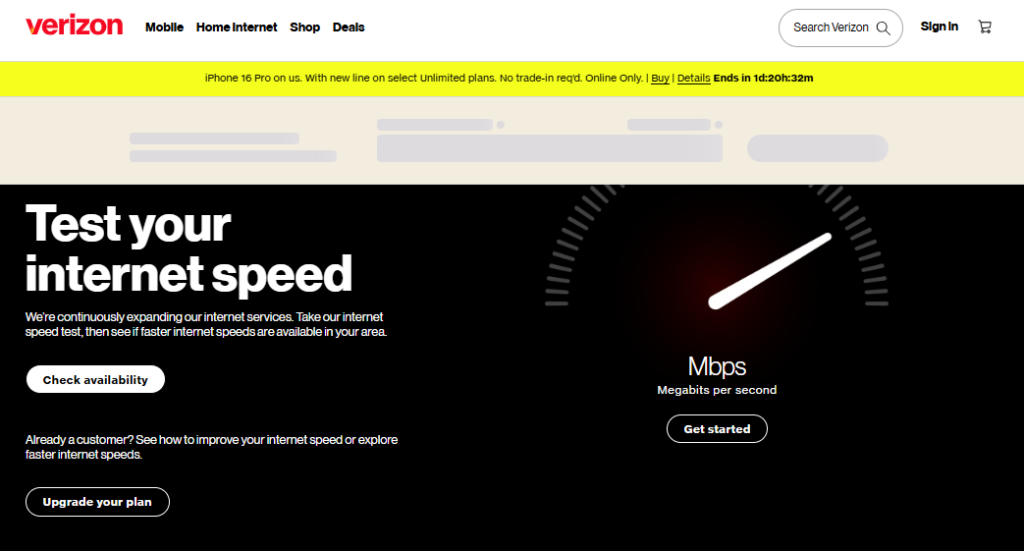
The Verizon Speed Test gives clear results that show your network’s performance. You see numbers that help you understand if your phone gets the right speed for streaming, gaming, or browsing. The test works fast, so you can try it whenever you need a quick check. This tool is especially useful if you want to compare your speeds over different days or times.
Even if you are not a Verizon customer, you can still use the test. It helps you learn if your mobile network meets your needs. If you see slow speeds consistently, you might think about checking other networks or settings.
READ ALSO: T-Mobile Home Internet: Its Pricing, Cost, and Factors to Consider
5. Use Google’s Embedded Speed Test
Google offers a built-in speed test that you can use right from your search results. All you need is to type “speed test” into Google on your mobile browser. The test appears at the top of the results page and starts automatically. This convenience saves you time and extra steps, letting you check your network speed instantly.
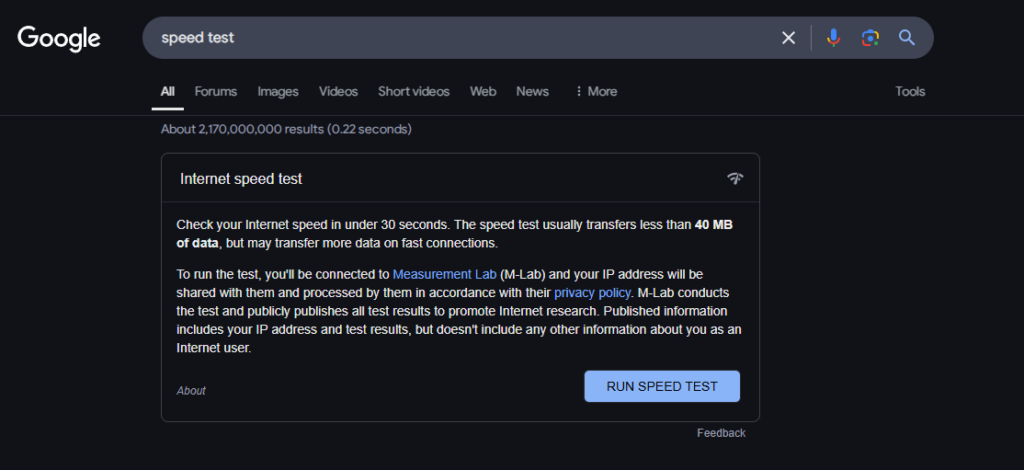
Google’s speed test gives you a quick glance at your download speed. You see clear numbers that show how fast your data flows. The test is straightforward and built for speed. It uses a simple design that makes it easy to read and understand your results. This tool is perfect for those moments when you want a fast check without leaving your browser.
The built-in test also provides a reliable snapshot of your network. You can use it anywhere, even on public Wi-Fi or when traveling. It shows you if your network meets your daily needs, whether for work or play.
6. Check Speed with nPerf
nPerf is a handy app that measures your mobile network speed and shows you a detailed report on your connection. You can download nPerf from your device’s app store and open it to start a test. The app gives you numbers for download, upload, and latency, all in a simple display that makes it easy to see how your network performs.
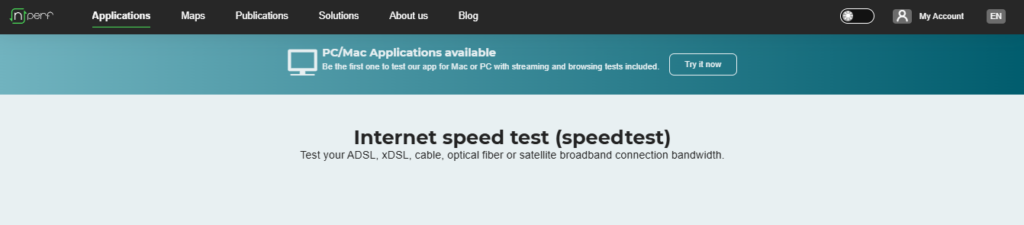
When you run nPerf, the app uses nearby servers to measure your connection speed. It shows you a clear breakdown of your performance in megabits per second (Mbps). This helps you know if your speed is high enough for your favorite activities, like streaming or video calls. You can see a history of your tests and compare them to spot trends in your network quality.
nPerf also offers tips on how to improve your connection. If you notice low numbers, you might try testing at different times or moving to a spot with better signal strength. The app’s easy layout and friendly interface let you track your network health in a way that feels like chatting with a friend. This extra tool adds a deeper view into your mobile experience and helps you make smarter choices about your service.
READ ALSO: Top 15 Fastest Internet Network Providers In Nigeria
7. Use Measurement Lab (M-Lab) Tools
Measurement Lab, or M-Lab, offers unbiased speed tests designed by experts. Their tools help you measure your mobile network speed accurately by connecting to various servers. When you start the test, the interface keeps things simple and clear. You see your download and upload speeds along with latency figures that tell you how quickly your network responds.
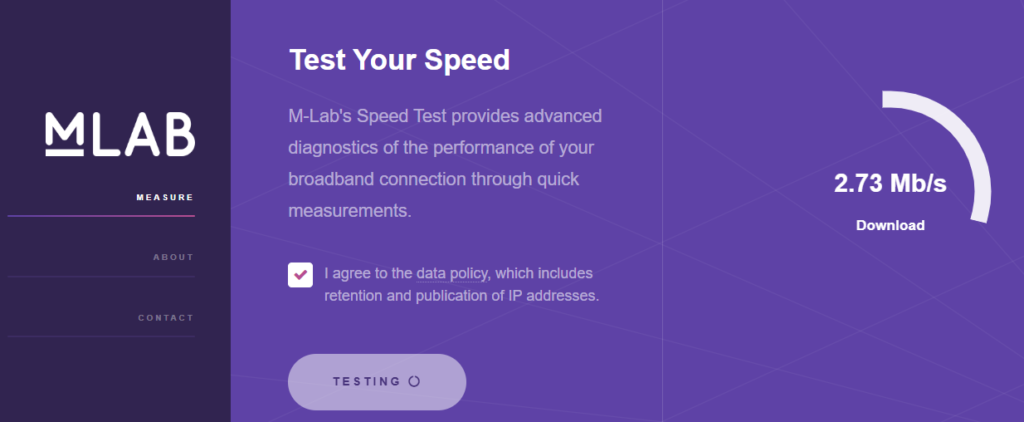
M-Lab’s tools are designed for accuracy and reliability. They provide technical insights that help you understand how your connection performs under different conditions. For instance, if your download speed is lower than expected, the results might show higher latency or packet loss. These details help you decide if the issue is with your device, your network, or external factors like peak usage times.
Using M-Lab tools gives you a deeper look into your mobile network’s health. The unbiased data comes from a community of users and experts who value transparency. You can run tests over time to see trends and compare them with industry averages. The clear results help you decide if it’s time to change your data plan or tweak your device settings. This practical approach makes it easy to stay informed and enjoy a better mobile experience.
When you run a speed test, you’ll see numbers for download and upload speeds, usually in megabits per second (Mbps). Higher numbers mean faster connections. For example, streaming HD video typically requires at least 5 Mbps download speed.
READ ALSO: Smile vs Spectranet: A Comparison of Coverage, Speed, Pricing, and Customer Support
Conclusion
You now have seven simple ways to check your mobile network speed. Each method gives you a quick look at how well your connection performs. Whether you use a dedicated app or your phone’s own tools, you stay in control of your online experience. Take charge and test your network often. If you notice slow speeds, try a different method or reach out to your provider.
Staying informed about your network means you get the most out of your mobile service. Your connection is a key part of your day, and these methods show you when it’s time for a change. And when you share these tests with a friend, you both learn how to enjoy better mobile experiences.
Use these tests to set up your favorite routines and always be ready for what your mobile world brings. Enjoy faster speeds and smoother days ahead.
Related posts:
 Your IP has been temporarily blocked; how to unblock your IP
 The 10 Best Spy Apps for Android and iPhone That Actually Work
 15 Most Expensive Phones Of The 21st Century
 How to Create Eye-Catching Website Graphics with Free Design Tools
 Commissions and Fees to Look Out for When Choosing a Broker
 Does Live Location Mean They Are Using Their Phone? Find Out What Its Guarantee (2023)
 My Honest 5M Telecom Review | Personal Experience.
 Designing Secure Experiences: The Intersection of UI/UX and Cybersecurity
1 thought on “How to Check Your Mobile Network Speed”